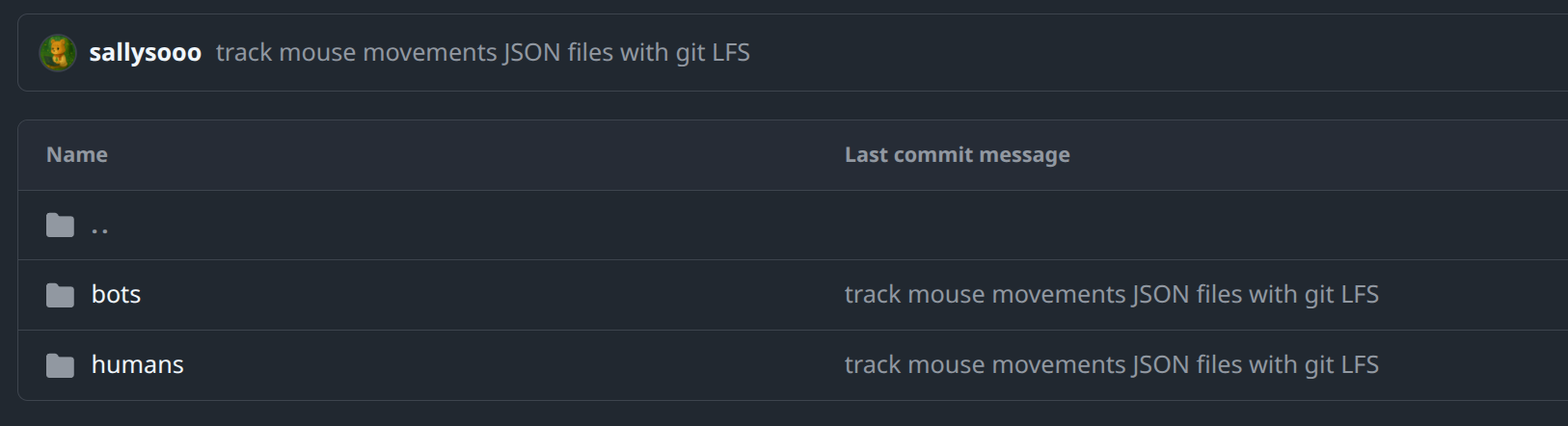
대용량 데이터셋을 업로드 해야하는데 100MB 제한으로 막혀버려서 lfs(large file storage)를 설치해서 사용해보려고 한다.
(우분투 24.04 기준)
remote: error: GH001: Large files detected. You may want to try Git Large File Storage - https://git-lfs.github.com.
0. lfs 설치
Git Large File Storage
Git Large File Storage (LFS) replaces large files such as audio samples, videos, datasets, and graphics with text pointers inside Git, while storing the file contents on a remote server like GitHub.com or GitHub Enterprise.
git-lfs.com
사이트에서 다운로드 받으면 tar.gz 파일을 받을 수 있는데, 이를 압축 해제한 뒤 내부의 install.sh를 실행하면 바로 설치가 완료된다. 정확한 경로는 아래를 참고할 것!
(base) sallysooo@labor:~/Downloads/git-lfs-linux-amd64-v3.7.1/git-lfs-3.7.1$ sudo ./install.sh
[sudo] password for sallysooo:
Git LFS initialized.
(base) sallysooo@labor:~/Downloads/git-lfs-linux-amd64-v3.7.1/git-lfs-3.7.1$ git lfs version
git-lfs/3.7.1 (GitHub; linux amd64; go 1.25.3; git b84b3384)
(base) sallysooo@labor:~/Downloads/git-lfs-linux-amd64-v3.7.1/git-lfs-3.7.1$
git lfs version을 입력했을 때 위와 같이 버전명이 나온다면 잘 설치된 것이다.
1. lfs로 대용량 파일 업로드하기
# 0. git-lfs를 사용할 repository에서 아래 명령어 실행
$ git lfs install

# 1. lfs로 관리할 대용량 파일 경로 설정
# 폴더를 tracking할거면 그 내부의 대용량 파일들도 일일이 git lfs track으로 설정해줘야 함
$ git lfs track 파일명(정확한 경로!)

# 2. 변경된 내용 staging
$ git add .gitattributes
$ git add 파일명(정확한 경로!)

# 3. commit
$ git commit -m "커밋 메세지"

# 4. push
$ git push origin
track만 하고 끝나는게 아니라 .gitattributes를 add/commit해야 하고, 그 다음에 실제 파일들도 add/commit/push하는 단계이다.
깃허브 공식 문서에서도 git lfs track 후에 .gitattributes를 저장소에 포함시키고 해당 패턴에 맞는 파일을 add하라고 설명한다.
단 여기서 주의할 점은, 앞서 100MB 초과하는 파일을 push하려다가 error를 마주했던 사용자의 경우에는 이미 파일이 commit된 상태이므로, lfs로 업로드를 수행하기 전에 아래 명령어를 통해 commit을 취소하고 해당 파일을 staged 상태로 바꾸어줘야 한다.
혹은 unstaged 상태로 바꾸고 git add 작업을 처음부터 다시하면 된다.
# commit된 파일들을 취소하고 다시 staged 상태로 복구
$ git reset --soft HEAD^

# unstaged 상태로 되돌리기(다시 add하기 위함)
$ git rm --cached
이미 예전에 일반 git 방식으로 한 번 커밋된 적이 있다면 git lfs track만 해도 기존 커밋 안의 큰 파일이 자동으로 LFS로 바뀌지 않는다. 새로 추가되는 추적에 적용되는 개념에 가깝기 때문에, 이미 git에 들어간 파일이면 위와 같이 정리가 필요하다! (안하면 에러)
<lfs 이용하여 업로드 예시>
(base) sallysooo@labor:~/Desktop/2bigspace$ git lfs install
Updated Git hooks.
Git LFS initialized.
(base) sallysooo@labor:~/Desktop/2bigspace$ git lfs track "web_bot_detection_dataset/phase2/data/mouse_movements/**/*.json"
Tracking "web_bot_detection_dataset/phase2/data/mouse_movements/**/*.json"
(base) sallysooo@labor:~/Desktop/2bigspace$ git add .gitattributes
(base) sallysooo@labor:~/Desktop/2bigspace$ git add web_bot_detection_dataset/phase2/data/mouse_movements/
(base) sallysooo@labor:~/Desktop/2bigspace$ git commit -m "track mouse movements JSON files with git LFS"
[main 6ff9547] track mouse movements JSON files with git LFS
 4 files changed, 11 insertions(+)
 create mode 100644 .gitattributes
 create mode 100644 web_bot_detection_dataset/phase2/data/mouse_movements/bots/mouse_movements_advanced_bots.json
 create mode 100644 web_bot_detection_dataset/phase2/data/mouse_movements/bots/mouse_movements_moderate_bots.json
 create mode 100644 web_bot_detection_dataset/phase2/data/mouse_movements/humans/mouse_movements_humans.json
(base) sallysooo@labor:~/Desktop/2bigspace$ git push origin main
Uploading LFS objects: 100% (3/3), 231 MB | 6.5 MB/s, done.
Enumerating objects: 16, done.
Counting objects: 100% (16/16), done.
Delta compression using up to 20 threads
Compressing objects: 100% (12/12), done.
Writing objects: 100% (12/12), 1.25 KiB | 1.25 MiB/s, done.
Total 12 (delta 2), reused 0 (delta 0), pack-reused 0
remote: Resolving deltas: 100% (2/2), completed with 2 local objects.
To github.com:sallysooo/2bigspace.git
   31c3794..6ff9547  main -> main
(base) sallysooo@labor:~/Desktop/2bigspace$